Answer your visitors live,
turn their questions into sales.
A white-label WordPress live chat plugin: a light chat bubble on your site, and an inbox in your admin where you reply in seconds. For any WordPress site, WooCommerce store or not.
8 features to answer visitors before they leave
A live chat widget in your colors, with your name
In the Settings tab, pick the accent, text and background colors, the name shown at the top of the chat and the agent photo from your media library. Write the welcome message and the subtitle your way: visitors see your brand, nothing else.
- Accent, text and background colors
- Agent name and photo
- Widget labels in English or French
Answer visitors live, right from WordPress
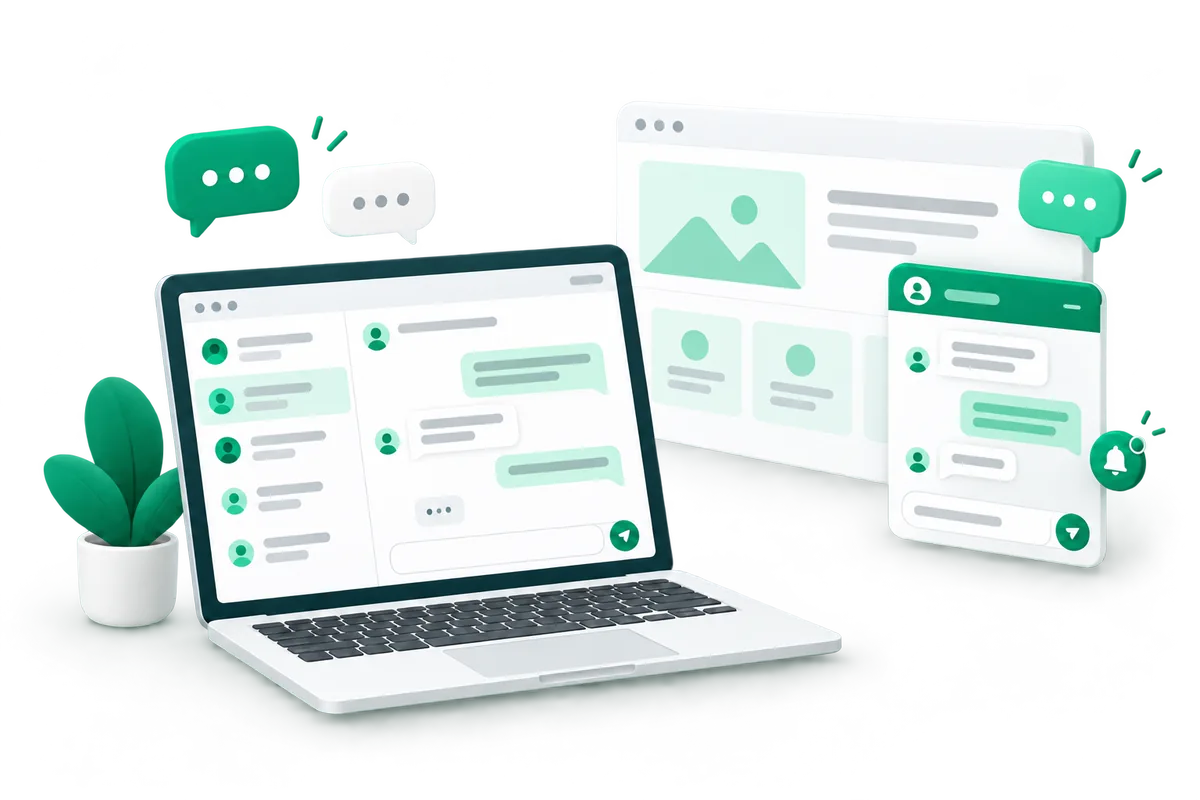
Every conversation lands in the Conversations tab under Plume → Chat: the list on the left, the thread on the right. You reply from your WordPress admin, with no other app or dashboard to open.
- Text and images, both ways
- “Delivered” and “Read” receipts
- Day separators for easy-to-read threads
Never miss a visitor message
A sound plays when a visitor writes, and a red counter shows unread conversations next to Chat in the Plume menu and the admin bar, even while you browse your own site logged in. Click Enable notifications to get a desktop alert when you are not on the page.
- Browser notifications, once you allow them
- Email alert when a message stays unanswered
- Alert address of your choice
Opening hours, online and offline on their own
Set your opening days and hours in the time zone of your choice: the chat shows online or offline by itself. Out of hours, your Offline message greets the visitor, who can leave you a message instead of facing an empty window.
- Online and offline subtitles, written by you
- Online as soon as you are active in the inbox
- Always online if you skip opening hours
A greeting that starts the conversation
After a few seconds on your site, a “1” badge appears on the chat bubble, once per visit, and your greeting is waiting inside. In the Messages settings, you choose the delay, or keep the greeting for when the visitor opens the chat.
- Delay in seconds, up to you
- Your welcome message, or your promo offer if it is on
- 0 seconds: shown only when the chat opens
Collect emails with a welcome promo code
Turn on the Promo code on arrival: the chat offers a welcome discount, and the code is revealed once the visitor leaves their email. Addresses are listed in the Collected emails tab, ready to export.
- Your code, your value (10%, €5…)
- A message with your site name and the discount
- CSV export in one click
Better replies, in your customer's language
Type your reply as it comes, then click Rewrite with AI: it comes back warmer, clearer and more professional, with the same meaning. Pick a language and the reply is written in it, ready for you to check and send.
- 7 languages, from English to Dutch
- Or keep the language of your draft
- Nothing is sent until you click Send
A tidy inbox, a light website
Search your conversations, filter them, click Mark as resolved when it is done, delete one or empty the inbox. On your site, the chat widget is built with no framework and does not slow your pages down.
- Filters: all, unread, open, closed
- Inactive conversations deleted automatically over time
- Light on principle, like every Plume plugin
A plugin should be invisible.
Most WooCommerce plugins want to become platforms: ten submenus, banners, upsells, scripts on every page. At Plume, each plugin does one job and loads nothing where it isn't needed.
Nothing loaded for nothing
A plugin's scripts only load on the pages where it works. Your product pages stay fast, and so does your conversion rate.
Live in 2 minutes
Install, activate, pick your colors: the feature is already running on your store.
No banners in your admin
You won't see ads for a Pro version or upsells: the subscription already includes everything.
No framework, no jQuery
No third-party library to load or keep updated. Clean code, maintained by Plume.
Included in the Plume subscription.
Plume Chat is included in every Plume plan, alongside all the other plugins. Your first reply in a conversation uses 1 credit from your monthly pool, and never again on that conversation. Receiving and reading messages costs nothing.
- All Plume plugins, one subscription
- 1 credit per conversation you answer
- Updates & support included
- Cancel anytime
A WordPress live chat plugin that keeps the conversation on your site
Plume Chat adds a live chat to your WordPress site: a light chat bubble for your visitors, and an inbox inside your WordPress admin where you answer them. A visitor asks about a size, a delay or a payment, you reply in a few seconds, and the question that could have ended the visit can turn into a sale.
How does live chat work on a WordPress site?
Once the widget is enabled, the chat bubble shows on the pages of your site.
- The visitor opens the chat, reads your welcome message and writes to you. Text and images both work.
- The conversation appears in Plume → Chat → Conversations, a two-column inbox: the list on the left, the thread on the right.
- You reply from WordPress and the visitor sees your answer live. “Delivered” and “Read” receipts show on both sides.
- You search, filter by unread, open or closed, and mark a conversation as resolved when it is done.
A live chat for WooCommerce stores, and any other WordPress site
Plume Chat does not depend on WooCommerce: it works on an online store, a showcase site or a blog. On a WooCommerce store, it answers the questions that hold back a purchase before the visitor leaves. The optional promo code on arrival offers a welcome discount in exchange for an email address, which you find in the Collected emails tab and export as CSV.
Many store questions are about deliveries. A branded WooCommerce order tracking page lets customers check their parcel on their own, so the chat stays free for the questions that sell.
Never miss a visitor message
A sound plays on each new message, and a red counter shows unread conversations next to Chat in the Plume menu and the WordPress admin bar, even when you browse your own site logged in. Browser notifications warn you when the inbox is not open, and an email alert goes to the address of your choice when a message stays unanswered. With opening hours and a time zone, the chat shows online or offline by itself, and your offline message invites visitors to leave theirs.
Why a white-label live chat?
The chat carries your name, your agent photo and your colors (accent, text and background), with no third-party logo. The welcome message, the subtitles and the greeting delay are yours to set. Widget labels are in English or French, and the Rewrite with AI button turns a quick draft into a clear, professional reply, in one of 7 languages when needed.
It stays light: the widget is built with no framework and does not slow your site down. Inactive conversations are deleted automatically after a retention period, which keeps your chat history in line with GDPR.
How to get started
Subscribe to Plume (7-day free trial, all plugins included) and install Plume Chat on any site running WordPress 6.0+ and PHP 8.0+. In Plume → Chat → Settings, enable the widget, set your name, photo and colors, then add your opening hours if you want them. Turn on browser notifications from the inbox, and you are ready to answer your first visitor. Your first reply in a conversation uses 1 credit, only once per conversation.
WordPress live chat: your questions
How do I add live chat to my WordPress site?
Install Plume Chat, activate your Plume license, then tick “Enable the chat widget” in Plume → Chat → Settings. The chat bubble appears on your site right away, in your colors.
Does Plume Chat work with WooCommerce?
Yes, and it does not need it: Plume Chat works on any WordPress site, online store or not. It requires WordPress 6.0+ and PHP 8.0+.
Where do I answer my visitors' messages?
In your WordPress admin, in the Conversations tab of Plume → Chat. The conversation list sits on the left and the thread on the right, so there is no other app to open.
How do I know when a visitor sends a message?
A sound plays and a red counter shows unread conversations next to Chat in the Plume menu and the WordPress admin bar. You can also turn on browser notifications, and get an email alert when a message stays unanswered.
Can I customize the chat widget?
Yes. You choose the accent, text and background colors, the name and photo shown in the chat, the welcome message and the subtitle. Widget labels are available in English or French.
What happens when I am offline?
With opening hours turned on, the chat shows offline outside your hours and greets visitors with your offline message, so they can leave you a message. As soon as you are active in the inbox, the chat shows you online.
Can the live chat collect email addresses?
Yes, with the promo code on arrival: the chat offers a welcome discount and reveals the code once the visitor leaves their email. Addresses are listed in the Collected emails tab and can be exported as CSV.
Does a live chat slow down my website?
Not this one. The Plume Chat widget is built with no framework and does not slow your site down.
How much does Plume Chat cost?
It is included in every Plume plan, from €29/month, along with all the other Plume plugins. Your first reply in a conversation uses 1 credit, never again on that conversation, and receiving or reading messages costs nothing.
Is there a free trial?
Yes. The Plume subscription comes with a 7-day free trial, and you can cancel anytime.