Your WooCommerce invoices,
automatic and compliant.
Every order produces its PDF invoice, numbered by the book and emailed to the customer without you thinking about it. Credit notes, corrective invoices and delivery notes included.
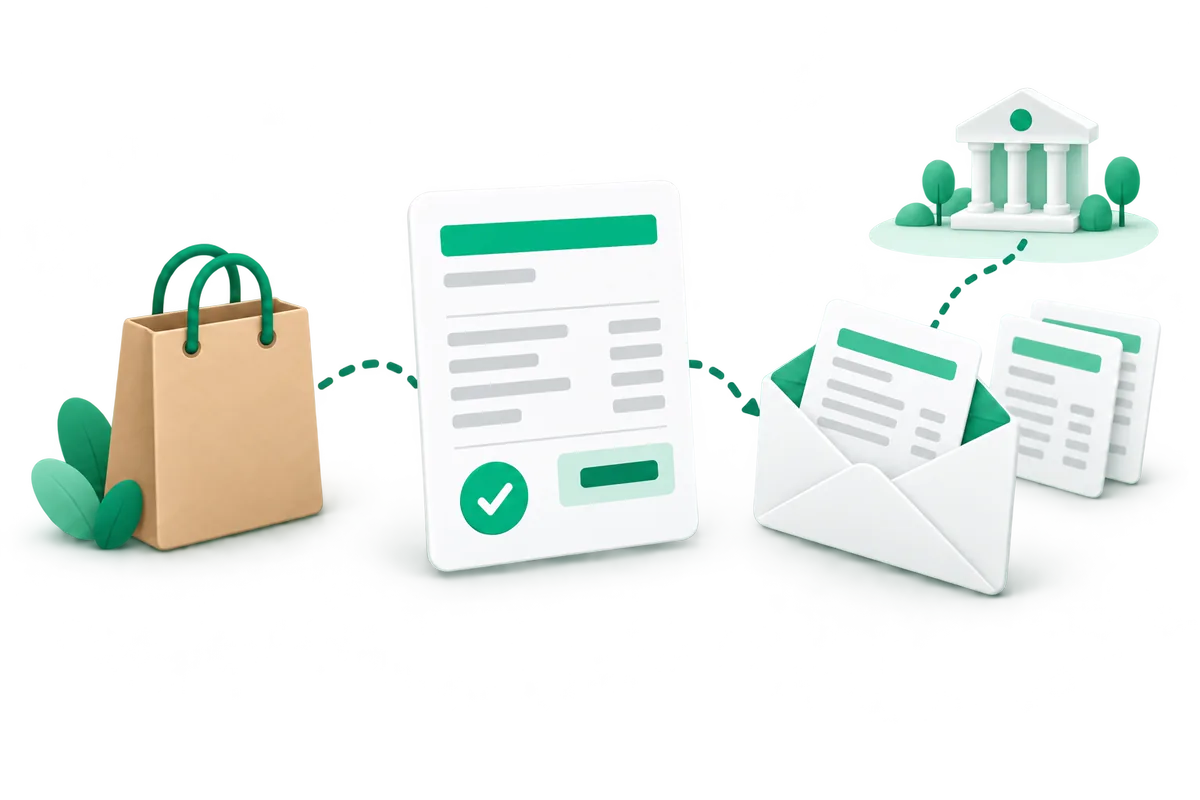
9 features so you never make an invoice by hand again
The PDF invoice goes out without you thinking about it
Pick the order status that creates the invoice, and the WooCommerce email it is attached to: the customer gets it as a PDF with their confirmation. You click nothing, and nobody chases you for their invoice any more.
- Created at the order status of your choice
- Attached automatically to the email you choose
- Always downloadable from the customer account
Sequential invoice numbering that holds up in an audit
The law requires a continuous series, with no gaps and no duplicates. Plume uses its own counter, never the order number, which skips as soon as a cart is abandoned. You choose the format, with or without a yearly reset.
- Dedicated counter: no missing number, none reused
- Free format: prefix, year, counter length
- Locked as soon as the first invoice is issued
A refund? The credit note is already done
You refund in WooCommerce, as usual. The credit note is issued straight away, with its own numbering, and attached to the "order refunded" email. A partial refund only credits what was actually given back.
- Credit note on every refund, full or partial
- Cancellation credit note when an invoiced order is cancelled
- No €0.00 credit notes: nothing is issued if there is nothing to credit
Correct without ever rewriting
An invoice handed to a customer cannot be edited: that is the rule. If something changes afterwards, Plume issues a corrective invoice that references the original. As long as the document has not been sent, it stays regenerable; after that, the corrective takes over.
- The document your customer holds is never altered behind their back
- The corrective references the original invoice
- Regeneration stays possible until something is sent
Built for private AND business customers
A private customer orders exactly as before: not one extra field. A business customer enters their company, SIRET and VAT number, which then appear on their invoice along with the new mandatory mentions of the reform. You choose what Plume adds to the checkout: a single checkbox, a collapsed section, or nothing at all if your fields already exist.
- Private customers see no additional field
- Business customers get an invoice in their name, with their SIRET and VAT number
- Your existing fields are recognised on their own
Your documents, in your image
Your logo, your colors, your details, your legal notices. You choose the columns shown (SKU, unit, VAT) and the free text at the bottom of the page for your bank details or a thank-you note. No Plume branding anywhere.
- Logo, colors and columns configurable
- Payment notices prefilled and editable
- Fully white-label on the customer document
Delivery notes and packing slips, when you need them
Generated at the order status of your choice, with their own numbering, and attachable to the email of your choice. Handy for slipping a summary into the parcel without showing prices.
- Numbering independent from the invoice series
- Automatic or on-demand generation
- Dedicated email, optional
Everything is driven from the order
An Invoice panel on every order: view the document, regenerate it, resend it to the customer, issue a corrective. And in the orders list, a button opens the invoice of every invoiced order, with bulk actions to generate, download or transmit in batches.
- All on the order, without switching screens
- One-click invoice from the orders list
- Bulk actions to process in batches
The export your accountant asks for
Pick a period: you get the CSV of every document issued (invoices, correctives, credit notes) at the amounts actually invoiced, plus the matching PDF archive. The year-end file no longer has to be rebuilt by hand.
- Complete CSV over the chosen period
- PDF archive in a single download
- Amounts actually invoiced, credit notes included
The French reform, already in the plugin.
Your invoices will soon no longer go only to your customer: they will have to travel through an approved platform. You connect your company once, you state how often you file your VAT, and every order then takes the right route, without you having to know which one.
- Business customer: the invoice itself is transmitted
- Consumer: the sale is reported, without exposing your customer
- Supplier invoices: received in your account on the partner platform
- New mandatory mentions (SIREN, delivery address, type of transaction) on your invoices
- Refund: the credit note or the correction follows automatically
- A failed transmission is retried on its own, and you are told
- The PDF your customer receives stays exactly the same
The invoice is out. What about the parcel?
Your customers want to know where their order is. With Plume Tracking, included in the Plume subscription, they follow it on your own store, in their own language, without ever seeing the carrier or where the parcel ships from.
A plugin should be invisible.
Most WooCommerce plugins want to become platforms: ten submenus, banners, upsells, scripts on every page. At Plume, each plugin does one job and loads nothing where it isn't needed.
Nothing loaded for nothing
A plugin's scripts only load on the pages where it works. Your product pages stay fast, and so does your conversion rate.
Live in 2 minutes
Install, activate, pick your colors: the feature is already running on your store.
No banners in your admin
You won't see ads for a Pro version or upsells: the subscription already includes everything.
No framework, no jQuery
No third-party library to load or keep updated. Clean code, maintained by Plume.
Included in the Plume subscription.
Plume Invoices is included in every Plume plan, along with all the other plugins. PDFs (invoices, credit notes, correctives, delivery notes) are unlimited and use no credits. Only an invoice transmitted for a business customer and a sale reported for a consumer cost 1 credit each.
- Every Plume plugin, one subscription
- Unlimited PDFs, no credits at all
- 1 credit per transmitted business invoice or reported sale
- Updates & support included
- Cancel anytime
WooCommerce PDF invoices, handled from order to accountant
Plume Invoices is a WooCommerce invoice plugin that turns every order into a numbered PDF invoice, sends it to your customer and takes care of the paperwork that follows a sale: a credit note when you refund, a corrective invoice when something changes, a delivery note for the parcel. WooCommerce records orders and refunds, but it does not issue a numbered invoice or a credit note on its own. That is the gap the plugin fills, without adding work to your day.
How invoicing works in WooCommerce with Plume
You choose the order status that creates the invoice, then whether it goes out in its own email or attached to the WooCommerce emails you pick. The customer receives the PDF and can download it again from their account at any time. On your side, an Invoice panel on each order lets you view, regenerate or resend the document, and in the orders list a button opens the invoice of every invoiced order, with bulk actions to process orders in batches.
Invoices, credit notes, corrective invoices and delivery notes
- Invoice: numbered from a dedicated counter, never the order number, so the series has no gaps and no duplicates. The format is yours, with or without a yearly reset.
- Credit note: issued on every refund, full or partial, and when an invoiced order is cancelled. Nothing is issued when there is nothing to credit.
- Corrective invoice: issued when an invoice already sent has to change. It references the original, which is never rewritten.
- Delivery note: its own numbering, automatic or on demand, handy to slip into the parcel without showing prices.
Ready for the French e-invoicing reform
The French reform requires invoices between businesses to travel through an approved platform, and sales to consumers to be reported. According to the French tax administration, every business must be able to receive electronic invoices since 1 September 2026, while issuing e-invoices and e-reporting apply to small businesses and micro-enterprises from 1 September 2027. Plume Invoices includes e-invoicing and e-reporting through a partner approved platform: you connect your company once, state how often you file your VAT, and each order takes the right route. A business customer's invoice is transmitted, a consumer sale is reported without exposing your customer, your supplier invoices arrive in your account on the partner platform, refunds follow automatically, and a failed transmission is retried on its own. The feature is optional and off by default.
Built for private and business customers
A private customer checks out exactly as before, with no extra field. A business customer enters their company, SIRET and VAT number, which then appear on their invoice with the new mandatory mentions (SIREN, delivery address, type of transaction). You decide what Plume adds to the checkout: a single checkbox, a collapsed section, or nothing at all if your fields already exist. Logo, colors, legal notices and columns are yours to set, and no Plume branding appears on the customer document.
Compatibility and getting started
Plume Invoices runs on WordPress 6.0+, WooCommerce 7.0+ and PHP 8.0+, in English and French. PDFs are created on your own store, with no external service and no cost per document. Activate the plugin, fill in your company details under Plume → Invoices, choose your numbering format and the email that carries the invoice: the next order is invoiced on its own. At the end of the period, the accounting export gives your accountant a CSV of every document issued plus the PDF archive. Once the invoice is out, let customers track their parcel on your own store with Plume Tracking, included in the same subscription.
WooCommerce invoices: your questions
How do I create PDF invoices automatically in WooCommerce?
Install Plume Invoices, then choose the order status that creates the invoice and the email that carries it. From then on, every order gets its numbered PDF invoice, sent to the customer and downloadable from their account.
Does WooCommerce create invoices by default?
No. WooCommerce records orders and refunds, but it does not issue a numbered invoice or a credit note on its own. Plume Invoices adds both, plus corrective invoices and delivery notes.
Can I use the WooCommerce order number as the invoice number?
It is best not to: order numbers skip as soon as a cart is abandoned, while invoices need a continuous series with no gaps and no duplicates. Plume Invoices uses its own counter, in the format you choose, with an optional yearly reset.
How do I issue a credit note for a WooCommerce refund?
Refund the order in WooCommerce as usual: Plume Invoices issues the credit note straight away, with its own numbering, and attaches it to the order refunded email. A partial refund only credits what was given back, and cancelling an invoiced order issues a cancellation credit note.
Can I edit an invoice after it has been sent?
No, an invoice handed to a customer is never rewritten. Until it has been sent you can regenerate it; after that, Plume Invoices issues a corrective invoice that references the original.
Is Plume Invoices ready for French electronic invoicing?
Yes. E-invoicing and e-reporting are built in through a partner approved platform: you connect your company once, state how often you file your VAT, and each order takes the right route. The feature is optional and off by default.
When does e-invoicing become mandatory in France?
According to the French tax administration, every business must be able to receive electronic invoices since 1 September 2026. Issuing e-invoices and e-reporting apply from that date to large and mid-sized companies, and from 1 September 2027 to small businesses and micro-enterprises.
How much does Plume Invoices cost?
Plume Invoices is included in every Plume plan, from €29 a month with all the other plugins, and you can try it free for 7 days. PDFs are unlimited and use no credits: only an invoice transmitted for a business customer and a sale reported for a consumer cost 1 credit each.
Which WordPress, WooCommerce and PHP versions does it need?
WordPress 6.0+, WooCommerce 7.0+ and PHP 8.0+, with the dom, mbstring and gd PHP extensions; a notice names any that is missing. PDFs are created on your own store with no external service, and the plugin is available in English and French.
What happens to my invoice numbers if I uninstall the plugin?
They are kept. Removing Plume Invoices only deletes its own settings, caches and scheduled tasks: the numbering series and the document data stored on your orders stay, so reinstalling never restarts the numbering from 1.